Free Video-to-Article Planning Template: Give the Written Version Its Own Job
Updated: 2 days ago
You have a transcript and a blank article page. Removing “um” will make the text cleaner, but it will not tell a reader where to start, what to do or which important exception was only visible on screen. Give the written version its own job before rewriting it.
This free planning card is for a short, practical explainer that you own or are authorised to adapt. Copy it into your normal document editor. You do not need an account, email subscription or paid transcription tool. It is an original Knowledge Skill Bank planning aid, not an automatic article generator or a promise of Google rankings.
Copy the article planning card
READER QUESTION: [the one question this article will answer]
SHORT ANSWER: [two or three sentences supported by the recording and checked sources]
READER ACTION: [what the person can reasonably do after reading]
SOURCE ANCHORS: [timestamp or source reference for each consequential claim]
STEPS: [the actions in the order a reader needs them—not necessarily the order they were spoken]
VISUAL CONTEXT TO REPLACE: [what the video shows that the article must explain, illustrate or link to]
EXCEPTIONS AND OPEN QUESTIONS: [limits, uncertainty and points needing confirmation]
NEW MATERIAL: [the useful example, explanation or tool the article adds; source any new factual claims]
NEXT ACTION: [a relevant free step or optional product, with a clear destination]
RIGHTS AND RELEASE OWNER: [the permission or licence record and the person responsible for the final version]
Do not place confidential production details in a public article. The card is a working document; only the material appropriate for readers belongs on the published page.
Worked example: a handoff video becomes a useful article
Illustrative example—not a customer case:
A two-minute internal video demonstrates where a team stores an approved export. It opens with a greeting, shows three folders and finishes by asking a colleague to review a file. A public article does not need the greeting or the client folder names. It needs to answer: “How do I hand off an approved file so the next person knows which version to use?”
Filled card—entirely fictional. The demo calls the export approved, but that label is not evidence that this exact version is approved. This card shows the review-before-confirmation branch. Files, timestamps, roles and deadlines below are invented teaching details, not inspected source evidence.
READER QUESTION: How can I hand off this file without implying that an unchecked version is approved?
SHORT ANSWER: Identify the exact file, current status, next owner and deadline. If approval evidence or the authorised approver is unclear, request confirmation rather than label the file approved.
READER ACTION: Prepare a review handoff that clearly separates review from release.
SOURCE ANCHORS: Fictional two-minute demo: 00:18 shows three folders; 00:52 identifies sample-explainer-v03.mp4; 01:42 requests review. No approval evidence is shown.
STEPS: Locate the exact version; check the approval record; write the note below; ask the responsible owner to confirm approval. Without confirmation, hold the release.
VISUAL CONTEXT TO REPLACE: Replace the client-folder screenshot with neutral text: Demo / Review / sample-explainer-v03.mp4.
EXCEPTIONS AND OPEN QUESTIONS: Who may approve this version? Does the approval record cover this exact file? Both remain unconfirmed.
NEW MATERIAL: The neutral handoff note and review deadline below are editorial additions, not claims from the demo.
NEXT ACTION: Copy the note into your working document and substitute verified project details.
RIGHTS AND RELEASE OWNER: Original fictional teaching material; article draft owner: the writer. Permission to adapt any real recording or visual remains unconfirmed and must be resolved before publication.
Copyable handoff note—fictional values; replace before use:
File: sample-explainer-v03.mp4. Location: Demo / Review. Status: approval unconfirmed—review only, not for release. Next owner: production coordinator. Please confirm the authorised approver and approval evidence for this exact version by 16:00 UTC on 30 October 2026. If either remains unclear, keep release on hold and record the unanswered question. If confirmed, record the approver, version and confirmation source before preparing a release handoff.
This version has a reader task and a usable output. It does not pretend that tidier prose proves the workflow will prevent every mistake.
Use the card in four passes
1. Trace the answer. For each important sentence, locate the supporting timestamp or original source. If the speaker says “in our example,” keep that limit. Do not turn “can help” into “will guarantee.” Separate what the recording demonstrates from your own editorial suggestion.
2. Reorder for reading. Start with the answer, explain the prerequisites, then put the steps in an order someone can follow. Use headings that tell the reader what they will find. Delete repetition only after checking that a repeated warning is not an important exception.
3. Replace missing visual context. Words such as “here,” “this button” and “the folder on the left” do not stand alone. Name the object, describe the relevant state or add a permission-cleared visual. Do not decorate the article with screenshots that expose private details or add no understanding.
4. Check the article without playing the video. Can another reader identify the task, follow the steps, see the limits and find the sources? If not, fix the missing part. A video embed can support an article, but it should not be the only place the essential instruction exists.
Google’s people-first content guidance asks for useful, original material and clear evidence of how content was produced. It does not promise a ranking simply because a transcript has been rewritten. W3C’s media-planning guidance also distinguishes different jobs for captions and transcripts; consider the needs of the audience rather than assuming one export serves every purpose.
What to do with uncertain information
Mark an unclear number, name or product feature as needing review. Return to the recording or the current primary source. If permission to reuse a recording, quotation or visual is unclear, resolve that with the appropriate owner before publishing. A source link records where information came from; it is not automatically permission to copy it.
For a fuller editing sequence and a third-party tool-fit discussion, use our video-to-searchable-content guide. If the transcript came from auto-captions, review the free caption correction log before treating its wording as final.
Choose your next step
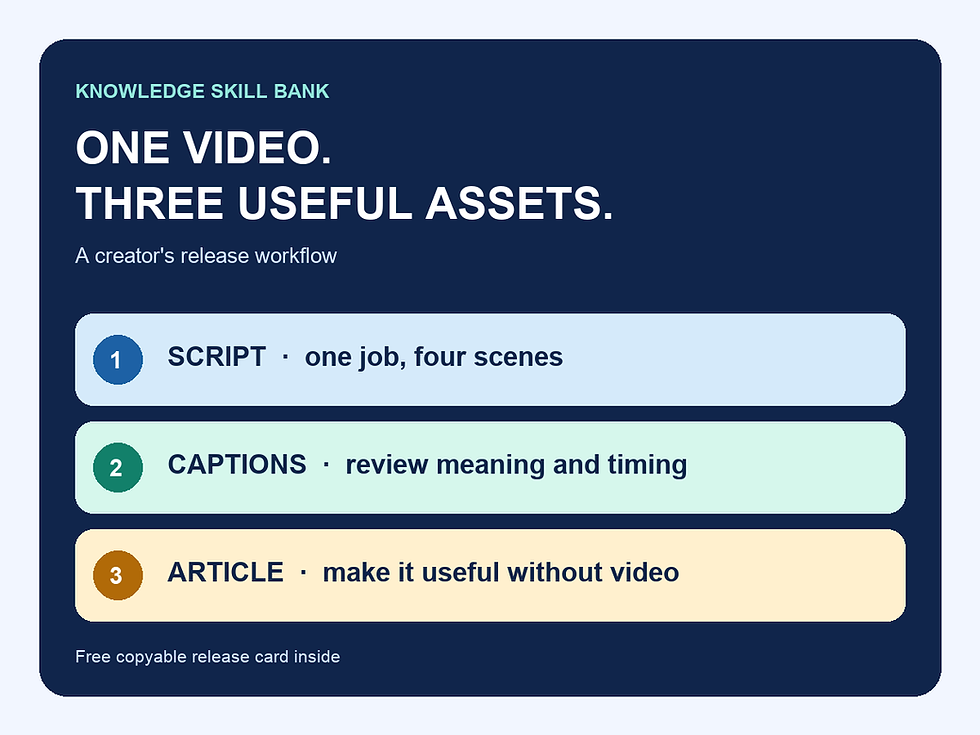
Our free creator release workflow connects the video, captions and article. If you need editable worksheets around that sequence, the optional US$9 Creator Video Release Toolkit provides a one-video working packet. Complete adds planning and checks across four related releases and already includes Essentials. The free card above works without either purchase.
Sources and editorial method
Google Search Central: people-first content and W3C WAI: planning audio and video media, reviewed 16 October 2026. The card, rewrite sequence and handoff example are original KSB editorial material, not a validated standard or an observed customer outcome. No ranking, earnings or time-saving guarantee is made. Corrections: info@knowledgeskillbank.com.