Free Caption Correction Log: Record the Error, Fix and Final Check
Updated: Oct 17
An automatic caption can look fluent and still change the instruction. If “do not share the client file” becomes “do share the client file,” fixing punctuation is not enough. You need to recover the intended meaning, record the correction and check the actual published player.
Use this free log for a short prerecorded explainer. Copy the blank record into a document and repeat it for each issue. No account, email or paid subtitle editor is required. This is an original Knowledge Skill Bank working aid; it is not an accessibility certification or a test of a particular transcription service.
Start with the recording, not the generated text
Open the exact video version that will be released. Listen to a short segment without reading the auto-caption, then compare the two. Prioritise negations, names, numbers, units, technical terms and who said what. If you cannot hear a word confidently, leave it unresolved and return to the speaker or an approved source rather than making a plausible guess.
The W3C explains that captions need to represent speech and meaningful non-speech sound in time with the audio. Its guidance warns that automatic captions require accuracy review. That is why the record below includes both wording and a final-player check. A corrected text document alone does not prove the right caption file reached the video.
Copy the blank correction record
VIDEO VERSION: [filename, version or stable project reference]
TIME RANGE: [start–end]
WHAT I HEARD OR VERIFIED: [the intended wording and any source needed to confirm it]
DRAFT CAPTION: [exact original text]
CORRECTED CAPTION: [the wording to use]
WHY IT MATTERS: [meaning / name / number or unit / speaker / important sound / timing or reading]
FINAL CHECK: [reviewer and date; text and timing checked in the final player]
STATUS: [OPEN / RESOLVED / HOLD]
Keep the final check blank until you have watched the corrected segment. OPEN means further review is needed. HOLD means an unresolved issue is important enough that this version should not be released. These labels organise your review; they do not assign an objective quality score.
Worked example: a missing “not”
Illustrative example—not a customer result:
VIDEO VERSION: client-handoff-demo-v03.mp4
TIME RANGE: 00:18–00:23
WHAT I HEARD OR VERIFIED: “Do not include a client name in a public filename.” Confirmed against the final approved script and audio.
DRAFT CAPTION: “Do include a client name in a public filename.”
CORRECTED CAPTION: “Do not include a client name in a public filename.”
WHY IT MATTERS: Meaning. The missing word reverses the instruction.
FINAL CHECK: Reviewer listened again, checked the corrected caption in the final video player and confirmed the intended caption track was selected.
STATUS: RESOLVED.
If the approved script and the spoken audio disagree, do not silently rewrite one to look like the other. Resolve which statement is intended with the responsible owner; the video itself may need a correction. A subtitle log cannot repair an incorrect spoken instruction by hiding it.
Review in three passes
Meaning pass: Check the words against the audio and the relevant source. Record important differences before spending time on cosmetic changes.
Experience pass: Watch at normal speed and at a phone-sized view. Check timing, line breaks, speaker changes and whether the captions cover an essential visual. Include important sound information needed to understand the scene. Return to the wider W3C guidance for the needs of your specific video.
Release pass: Export to the format your destination accepts, attach the correct file to the correct video version and watch the beginning, corrected segments and ending in the final player. Keep the log with the exact released files so a later editor can trace the decision.
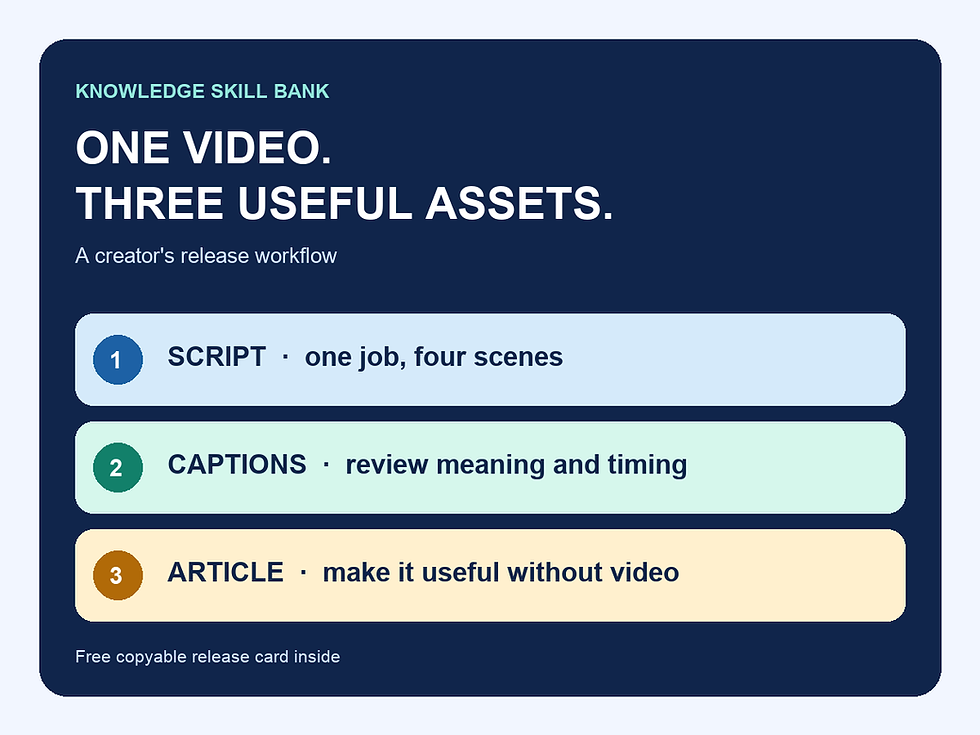
For a longer explanation and a free-versus-paid tool decision, read how to add accurate video captions. For the whole video, captions and article sequence, use our free creator release workflow.
When a log is not enough
A high-stakes statement, unclear consent to process a recording, a translation you cannot review or an uncertain critical word needs the right reviewer. Do not mark it resolved because the software stopped flagging it. Keep sensitive recordings and identifiers inside your organisation’s approved systems.
If you want a reusable working packet around the log, our US$9 Creator Video Release Toolkit adds the guide, source-and-rights brief, editable workbook and final release checklist. For a connected series, Complete includes Essentials and adds series-level tools. The free correction record above remains usable on its own.
Source and editorial method
W3C WAI Captions/Subtitles, reviewed 16 October 2026, supports the captioning principles. The record, status labels, review order and fictional example are KSB original editorial tools, not a standard prescribed by W3C. No software accuracy, time-saving or search-performance result is claimed. Corrections: info@knowledgeskillbank.com.